Your regular opening hours apply every week. If you are going on holiday, closing for a single day or opening for shorter hours, you make an exception. There are two tools:
- Days off for whole days: closed or with special opening hours.
- Block time for a shorter period within a day, e.g. a doctor's appointment or a course.
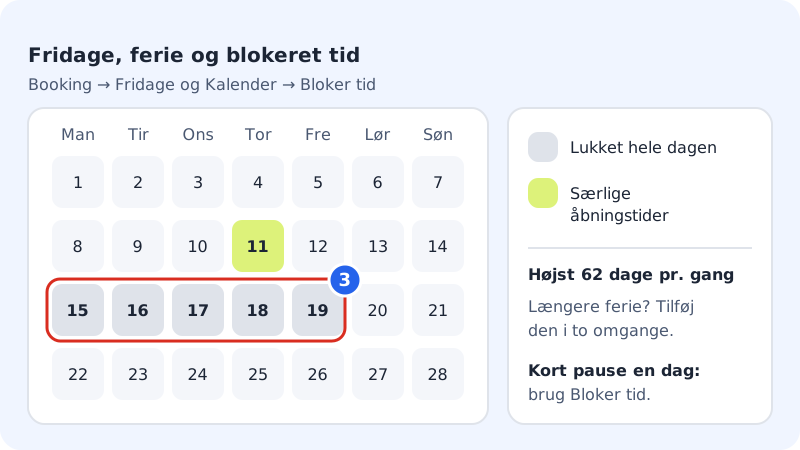
Close for a holiday or days off
Step 1: Open Time off
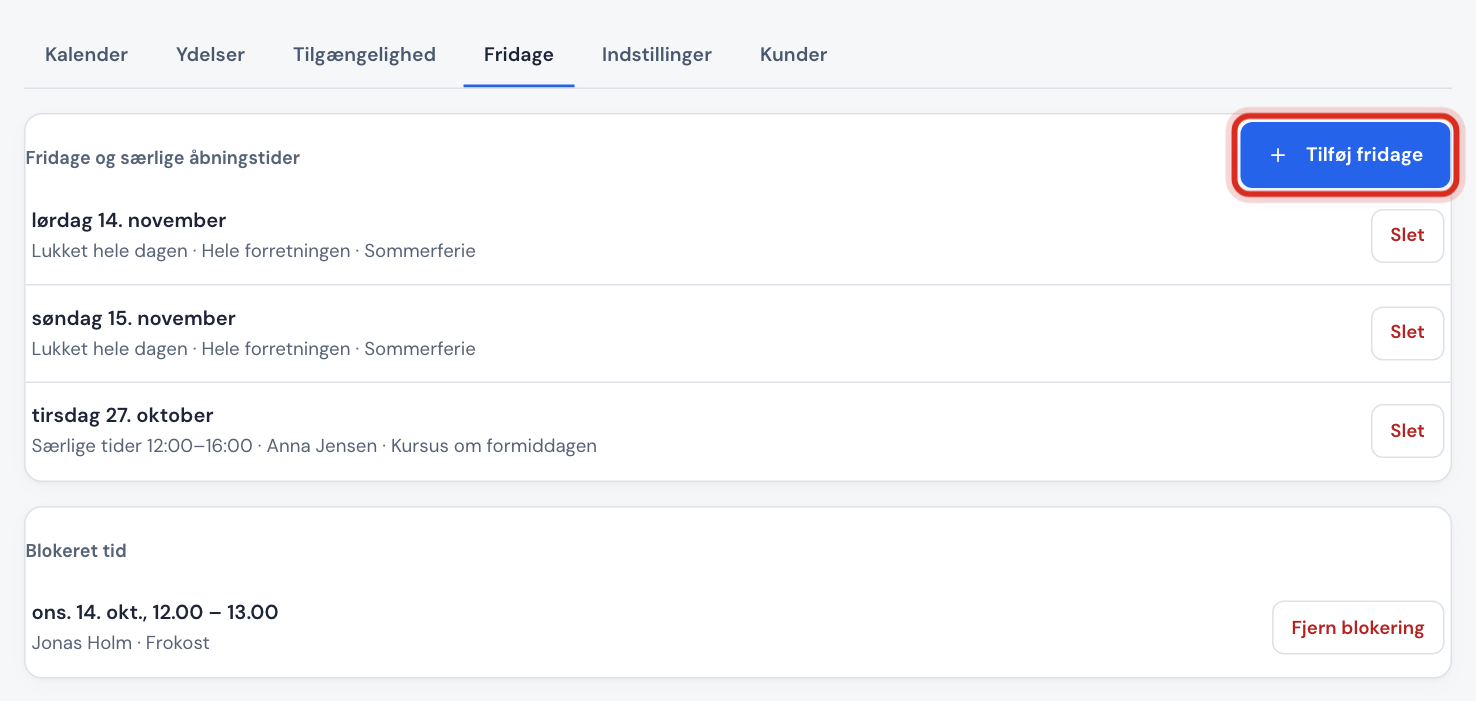
Go to Booking → Time off. The Days off and special opening hours card shows the upcoming exceptions. Tap Add days off.
Step 2: Choose for whom
In the Staff member field, choose Whole business or a specific staff member. If you choose a staff member, customers can still book with the others.
Step 3: Choose dates
Fill in From and To. You can choose at most 62 days at a time. If the holiday is longer, add it in two goes.
Step 4: Closed or special hours
Choose Closed all day, or Special opening hours and enter the times in From and To, e.g. a Saturday open
10:00-13:00. Optionally write a Note for yourself, e.g. Summer holiday.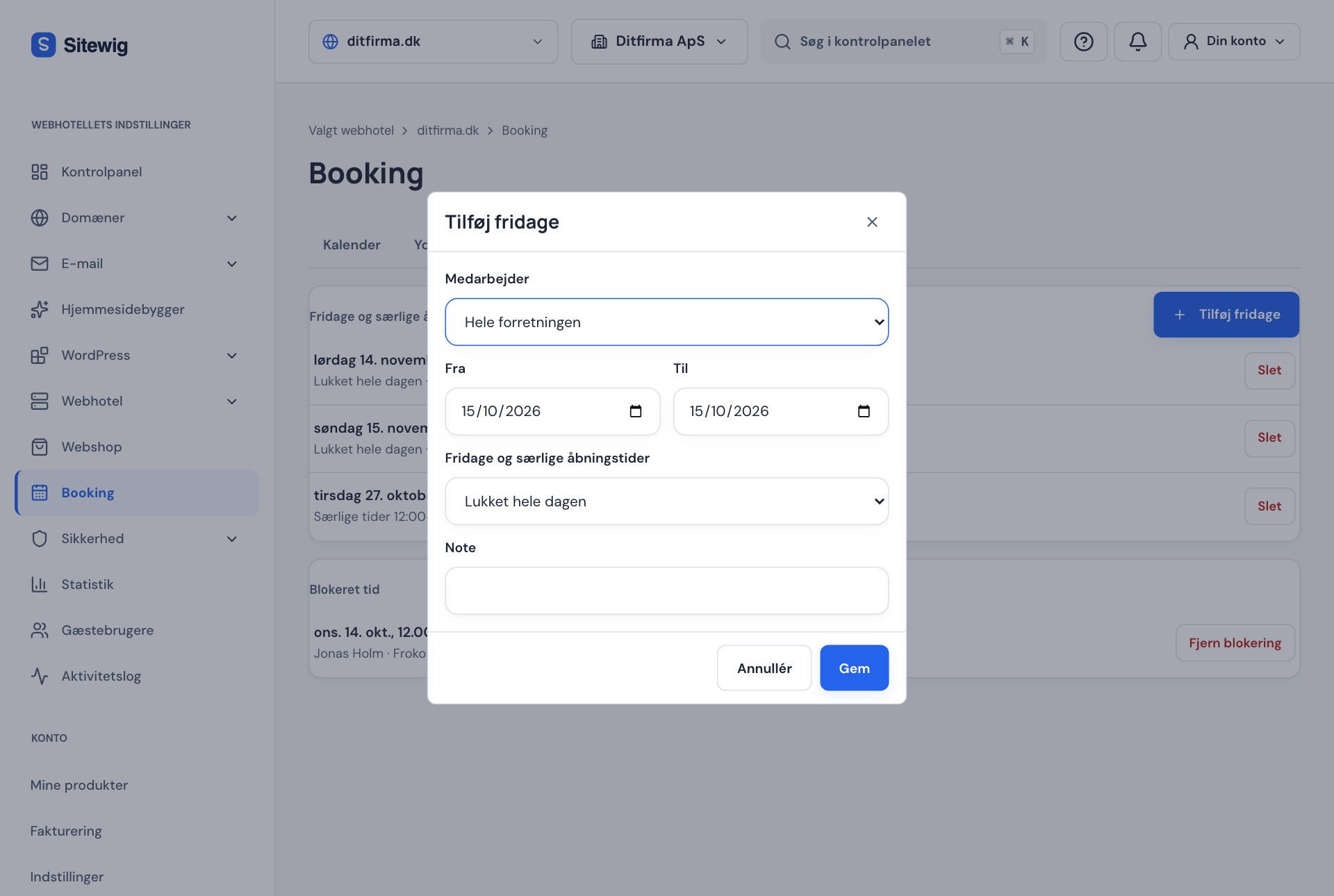
Step 5: Save
Tap Save. The days appear in the list, and customers can no longer book them (or only within the special hours).
If you change your mind, tap Delete next to the day in the list.
Block a shorter period
If you need a couple of hours off on a single day, it is easiest to block the time directly in the calendar:
- Go to Booking → Calendar and choose the Day or Week view.
- Drag with the mouse across the period you want to block, or tap Block time if you are using a phone or keyboard.
- Choose the staff member (or Whole business), check the times, and write a note in Note (e.g. lunch, course).
- Tap Block. The period appears as Blocked in the calendar.
All upcoming blocks are also listed under Booking → Time off in the Blocked time list. Here you remove a block with Remove block.
Frequently asked questions
Do I have to close each public holiday separately?
No. Under Booking → Settings you can choose Closed on public holidays in the Public holidays field. Sitewig then closes by itself on public holidays.
Can I record sick leave or holiday per staff member with a reason?
Yes. Use Add days off, choose the staff member and give the reason (holiday, sick leave or other). If a staff member has alternating weeks, you can create a rota over several weeks under Availability.
Do appointments in my Google or Outlook calendar block times automatically?
Only if you connect the calendar so that it syncs both ways. See Sync with Google Calendar, Outlook or ICS.