You can delete a customer account at Sitewig yourself once there's nothing left on it. This makes sure you don't accidentally delete a website, a domain or a mailbox that's still in use.
Before you delete
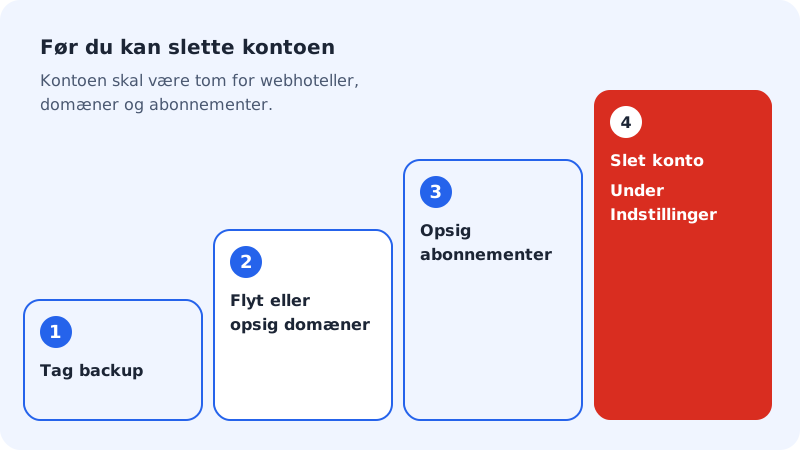
Step 1: Back up
Download files and databases from the hosting, export emails from your mailboxes (e.g. with an email program), and save what you need from the website and online shop.
Step 2: Move your domains, or cancel them
If the domains are to live on, move them to another provider (get the auth code under Domains → Auth code (transfer out)) or to another Sitewig account. Otherwise, cancel them.
Step 3: Cancel subscriptions and hosting
Cancel your plans, email plans and add-ons with Cancel under My products. A cancelled product runs until its expiry date and isn't renewed. The account can only be deleted once there are no more hosting plans, domains or subscriptions on it.
Step 4: Delete the account
Go to Settings and scroll down to the Delete account card. Enter the account name in the Enter the account name (…) to confirm field and tap Delete account permanently. If we ask you to confirm with your password or a passkey, do so. You'll see The account has been deleted.
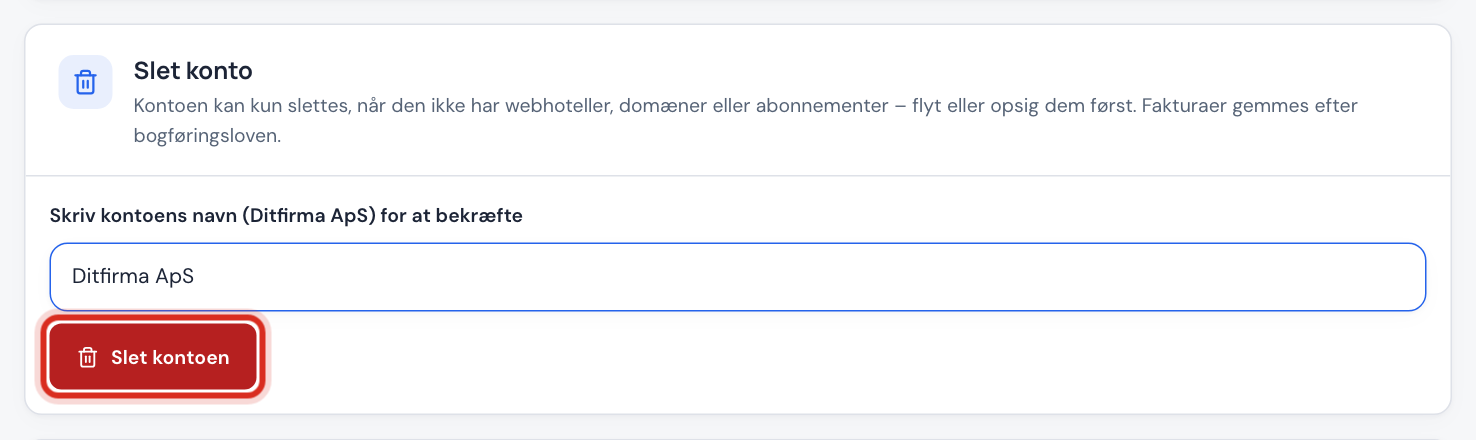
Only owners and administrators can see the Delete account card.
If the account can't be deleted
If it says e.g. The account still has 1 hosting plan, 2 domains. Move them to another account or cancel them before the account can be deleted., the message shows exactly what's missing. Cancel or move it, and try again.
If it says Enter the account name to confirm deletion., what you've typed doesn't match the account name. Type the name exactly as it appears in the field's text.
What happens to my data?
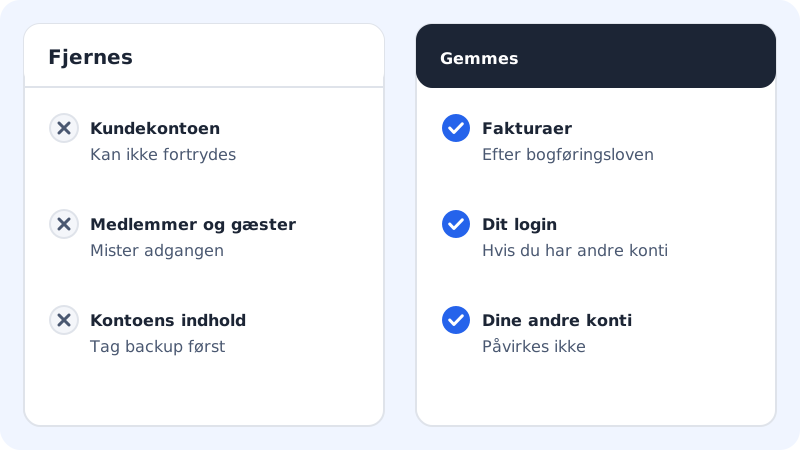
- The customer account is closed, and all members and guests lose access to it.
- Invoices are kept, because accounting law requires us to keep them for a number of years.
- Your sign-in doesn't necessarily disappear: if you have access to other customer accounts, you can still sign in and work in them.
If you want all the personal information we hold about you to be deleted, read Your data and rights (GDPR).
Frequently asked questions
Can I just cancel my plan?
Yes. If you simply want to stop paying, cancelling the plan is enough. The account can stay on the Free plan at no cost, so you can come back later.
What happens to my email?
Export the emails you want to keep before you cancel the email plan. Once it has expired, you can't count on being able to retrieve them.
Can you restore a deleted account?
Contact support@sitewig.com as soon as possible if you've deleted an account by mistake. We can't promise that the contents can be restored.