Many services (for example Hotjar, the LinkedIn Insight Tag and TikTok Pixel) give you a small piece of code that needs to sit on your website. In Sitewig's website builder you add it under Custom code, and you choose when the code may run.
Add the code
Step 1: Copy the code from the service
Sign in to the service and copy the installation code. Note whether it should go in
<head>or before</body>.Step 2: Open Custom code
In the editor, go to the Settings tab and find the Custom code section under Website settings.
Step 3: Paste it in the right field
Paste the code into Code in <head> or Code before </body>. Each field can hold 20 KB at most.
Step 4: Choose when the code may run
Under When may the code run? choose the category. The default is After consent (marketing).
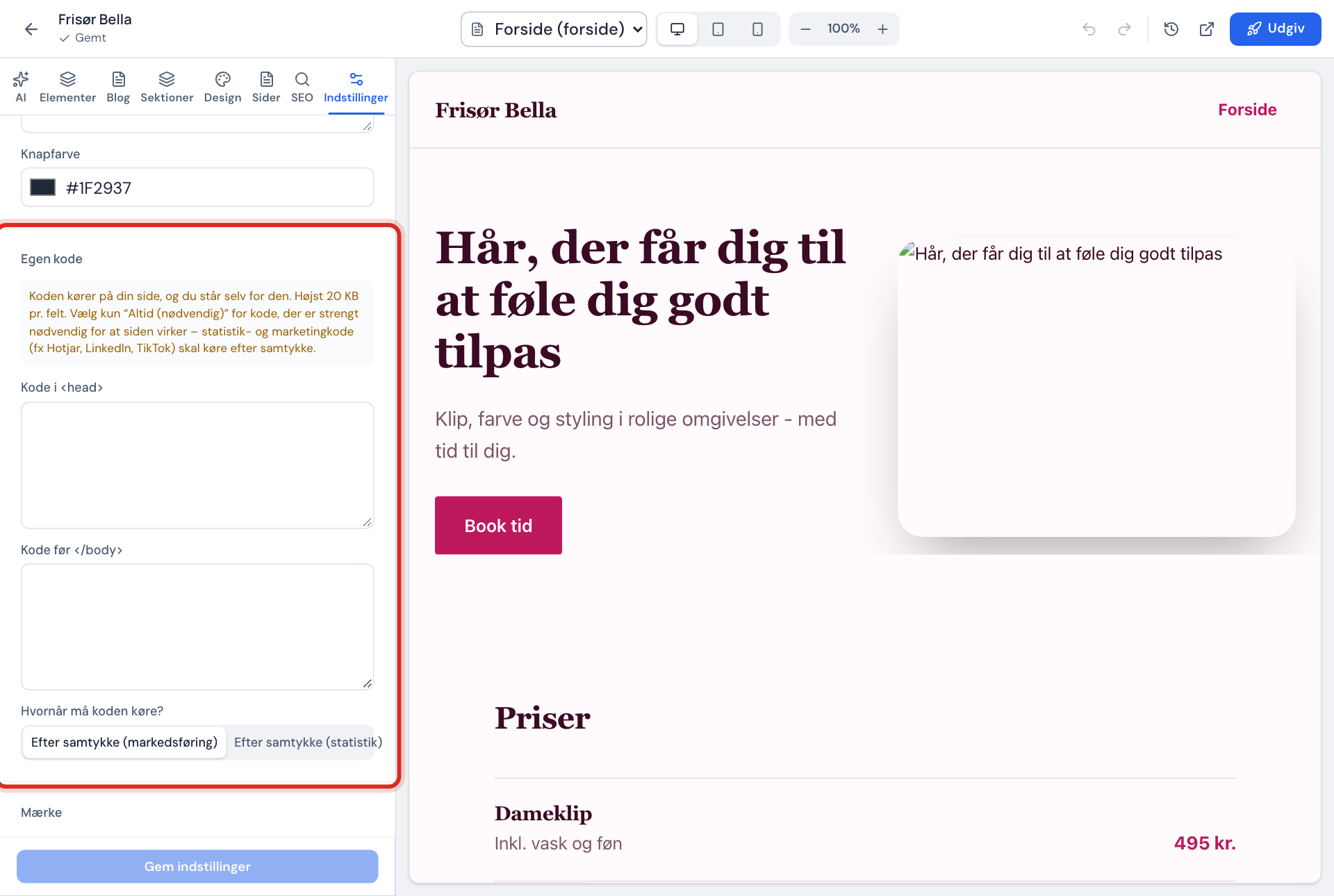
Step 5: Save, publish and test
Press Save settings, and publish the website. Open the site in a private window, press Accept all, and check with the service that it is receiving data.
Choose the right category
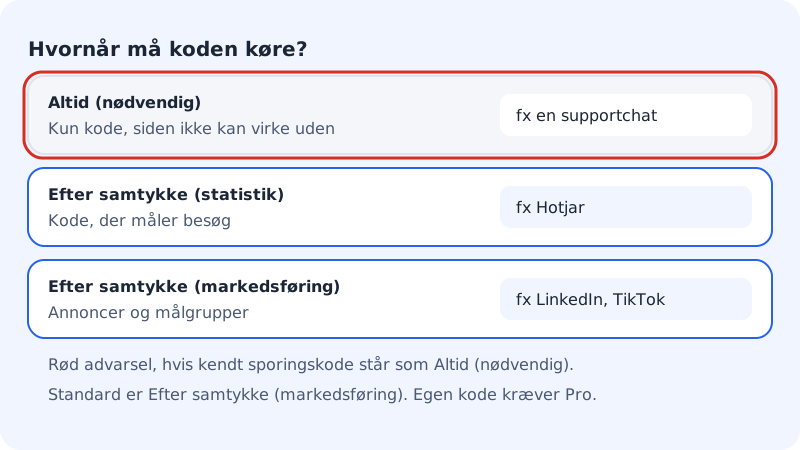
| Option | Use it for | Examples |
|---|---|---|
| After consent (statistics) | Code that measures visits and behaviour | Hotjar, Microsoft Clarity |
| After consent (marketing) | Ads, audiences and conversions | LinkedIn Insight, TikTok Pixel, Google Ads |
| Always (necessary) | Code the site can't work without | e.g. a chat widget that doesn't track |
What the code must not contain
The code must not contain <html>, <head>, <body>, <template>, <base>, PHP or redirects, and all tags must be closed. Otherwise you can't save. You must also have filled in Link to cookie and privacy policy (https) under Cookie banner.
Frequently asked questions
Is there a field for Google Ads conversions?
No. Add the Google Ads tag via Google Tag Manager, or under Custom code with the After consent (marketing) option.
Who is responsible for the code?
You are. The code runs on your site, and the cookie banner lists "custom code from the website owner" as a recipient of data.
Why can't I see the code working in the editor?
Custom code is only added to the published site, never to the editor preview, and it only runs once the visitor has said yes to the chosen category. Publish, and test in a private window.