If you have forgotten the password for your Sitewig account, we send you a link so you can choose a new one yourself. You need to be able to receive email at the address you sign in with.
Reset the password
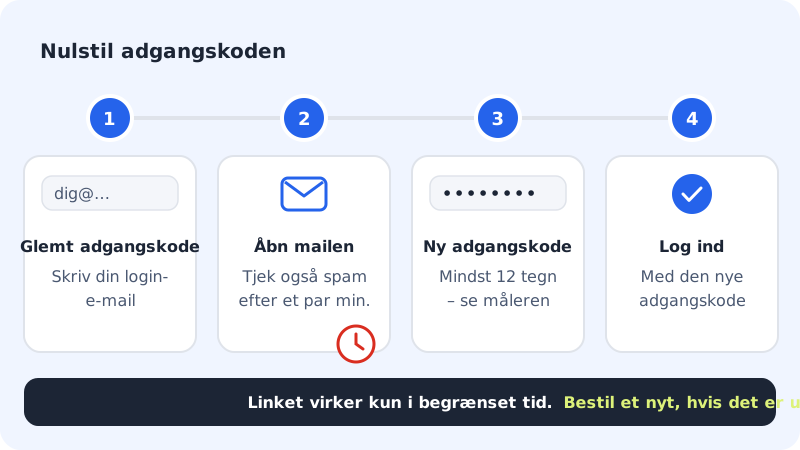
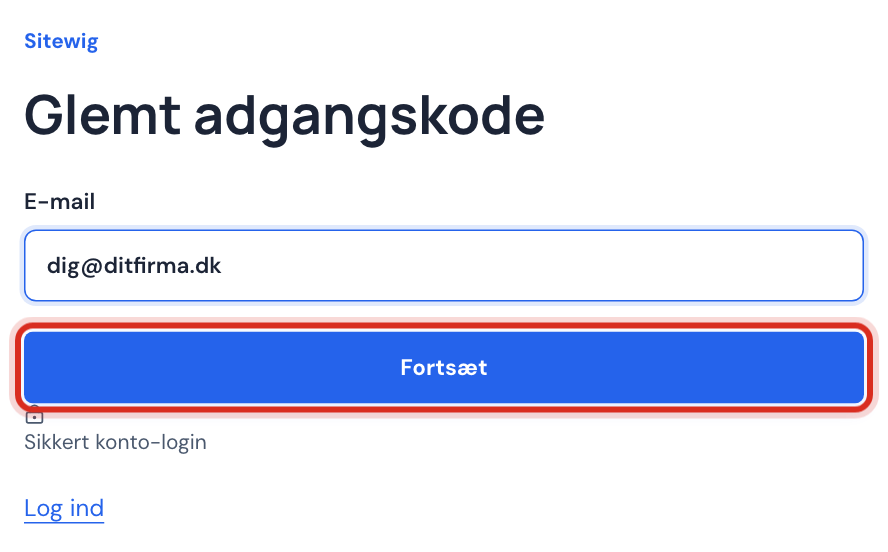
Step 1: Choose Forgot password
Go to
sitewig.com/log-indand tap Forgot password next to Remember me.Step 2: Enter your sign-in email
Enter the email address you sign in with and tap Continue. You now see Check your inbox.
Step 3: Open the email from Sitewig
Find the email in your inbox and click the link. Check your spam or junk folder if it has not arrived after a few minutes.
Step 4: Choose a new password
The Reset password page opens. Enter a new password of at least 12 characters and keep an eye on the strength meter. Tap Continue.
Step 5: Sign in again
When you see Your password has been changed., tap Sign in and use the new password.
If the link does not work
If it says Open a valid link from your password reset email., the link has expired, has already been used or was copied incorrectly. Request a new link via Forgot password, and always use the link from the most recent email.
When you are already signed in
If you want to change your password and know the current one, it is quicker to do it directly under Settings → Sign-in and security. See Change your password when you are signed in.
You can also have a reset link sent to you: go to Settings and tap Change password via email in the card with your name at the top.
If you do not have access to your sign-in email
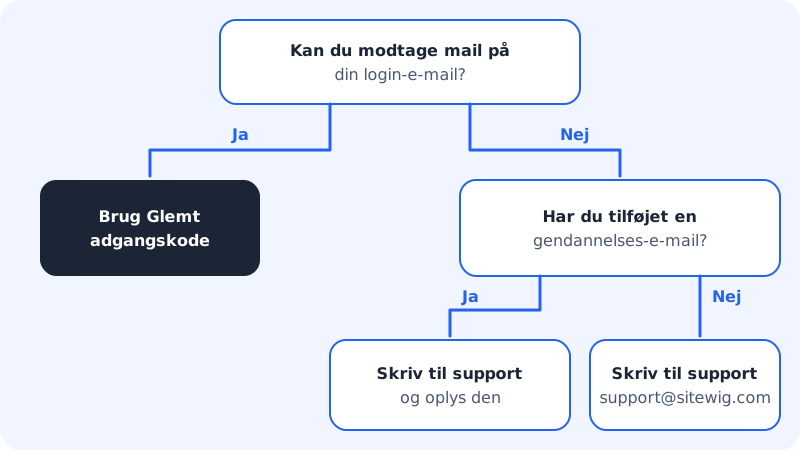
- Has the address been closed or changed? If you have previously added a recovery email, contact support and give us that address.
- No other way in? Write to
support@sitewig.com. We ask you to prove that the account is yours before we help – this protects you from others pretending to be you.
Frequently asked questions
Will I be signed out on my other devices?
If you change your password in the control panel under Sign-in and security, your other devices are signed out. If you suspect others know your old password, do it there.
Does it change my email setup on my phone?
No. The account password is not used in email programs. Your phone and your email program use the mailbox password, which does not change.
I have two-factor sign-in turned on. Do I still need the code?
Yes. Once you have chosen a new password, we still ask for the 6-digit code from your authenticator app when you sign in.