With Free you can build and publish a website without paying anything. If you want your own domain, e.g. yourcompany.com, and a website without the Made with Sitewig badge, you need a paid plan. The cheapest is Starter, and the first 3 months are free.
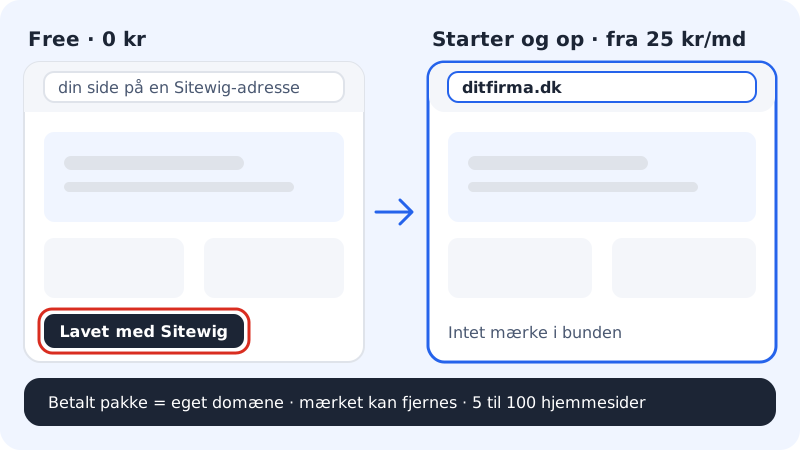
What Free can and cannot do
Free
- Price
- free, no commitment
- Websites
- 1 with at most 5 pages
- Storage
- 1 GB
- Address
- A Sitewig address – you cannot use your own domain
- Badge
- Made with Sitewig is shown on the website
- None – requires a paid plan or Mail Essential
- Backup
- No daily backup
With Starter you can use your own domain (you pay for the domain per year – the transfer itself is free), a badge you can remove, 15 GB of storage for website and email, 3 mailboxes of 3 GB each and daily backup. From Pro and up you also get more websites and domains. See Which plan suits me?
How to move to a paid plan
Step 1: Choose a plan on the pricing page
Go to the pricing page and choose Starter, Pro or Business. Add the plan to your basket, together with your domain if you do not have one yet.
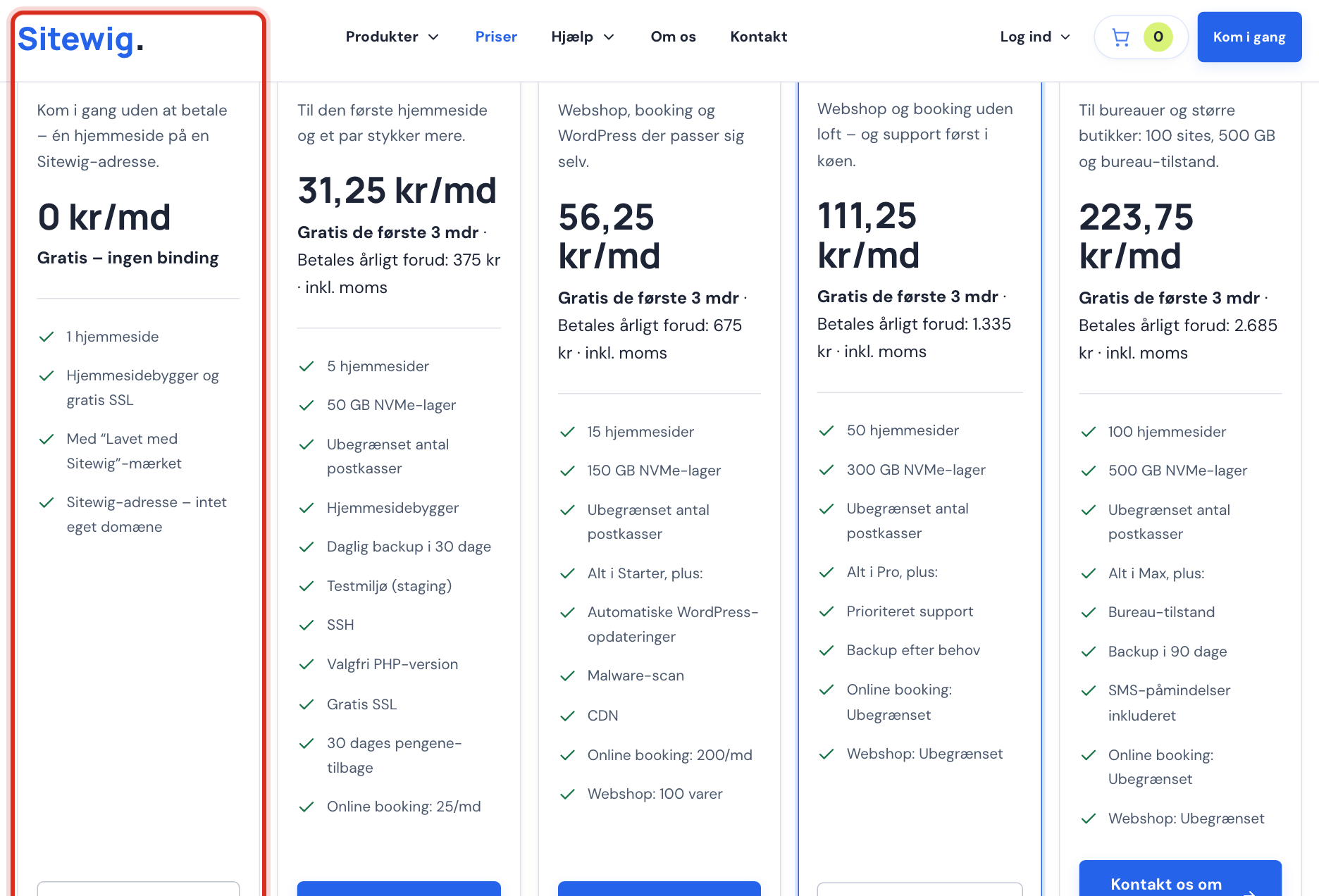
Choose a paid plan on the pricing page Step 2: Pay
Go to checkout and pay. The plan is free for the first 3 months: if you have added a new domain to your basket, you only pay for the domain now.
Step 3: Get the website moved over
Contact support and tell us which free website should be moved to the new web hosting. Free moving help is included with all paid plans.
Step 4: Connect your domain
When the website is on the new web hosting, you connect the domain. If you buy the domain from us together with the plan, we set it up automatically. If you have the domain elsewhere, see Connect your own domain.
Step 5: Publish the website again
Open the website in the website builder and publish it. The Made with Sitewig badge is controlled by the plan, so it can be removed once the website is on a paid plan.
Frequently asked questions
What does it cost to go from Free to Starter?
The first 3 months of Starter are free, and after that you pay for 12 months at a time. The pricing page shows the price in your currency. See How the 3 free months work.
Will I lose my free website when I buy a plan?
No. The free website stays on the free web hosting until it has been moved and you have confirmed that everything works.
Can I have a free website and a paid web hosting on the same account?
Yes. You switch between them in the web hosting selector at the top of the control panel.
Can I use my own domain on Free if I buy the domain?
No. You can buy a domain and keep it with us, but a website on Free can only be shown on a Sitewig address.